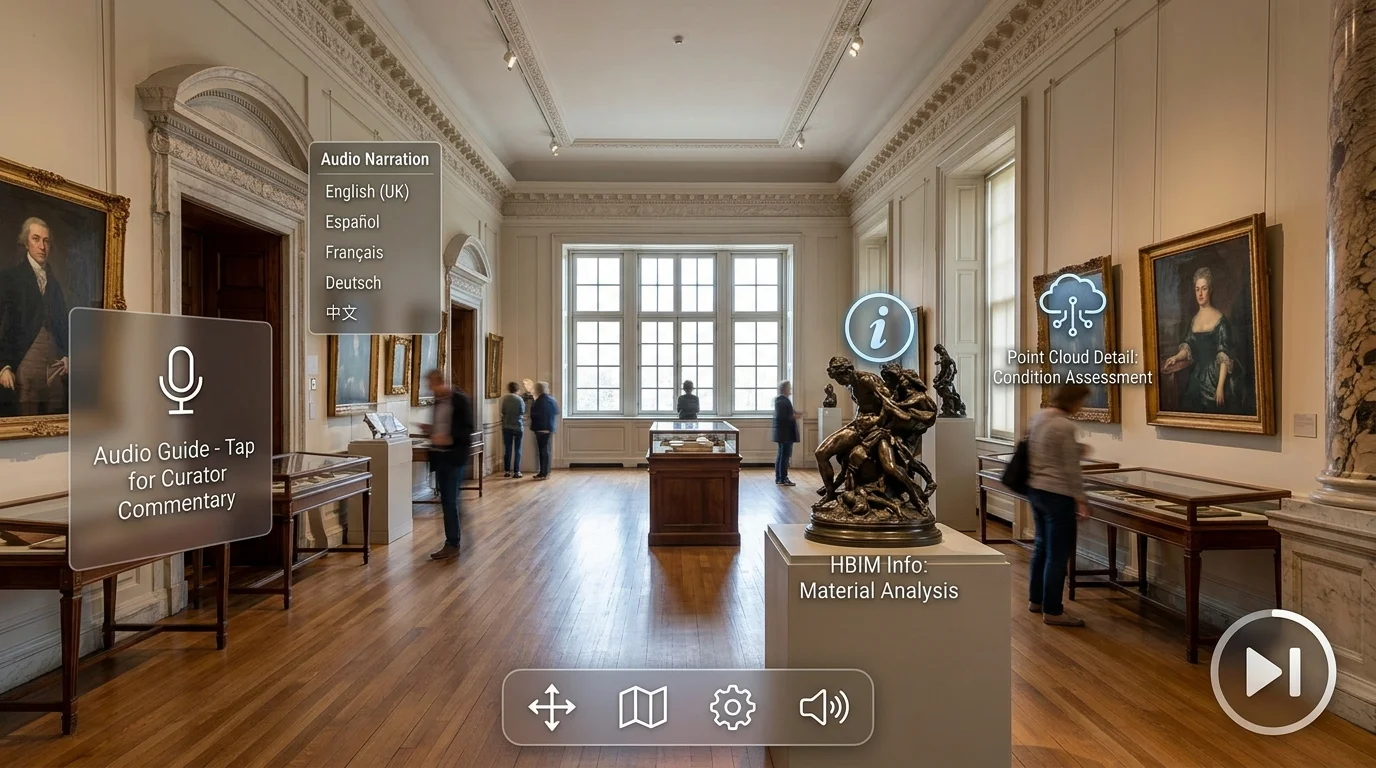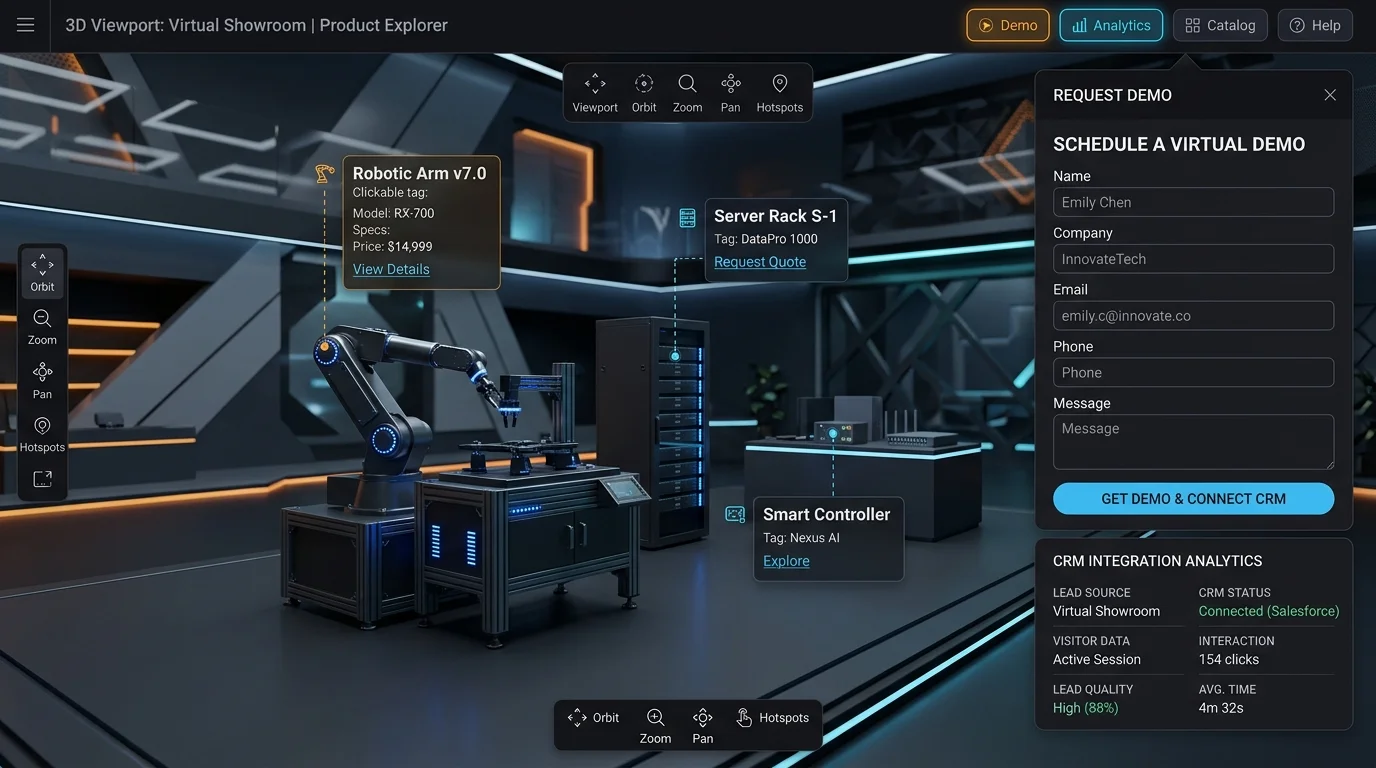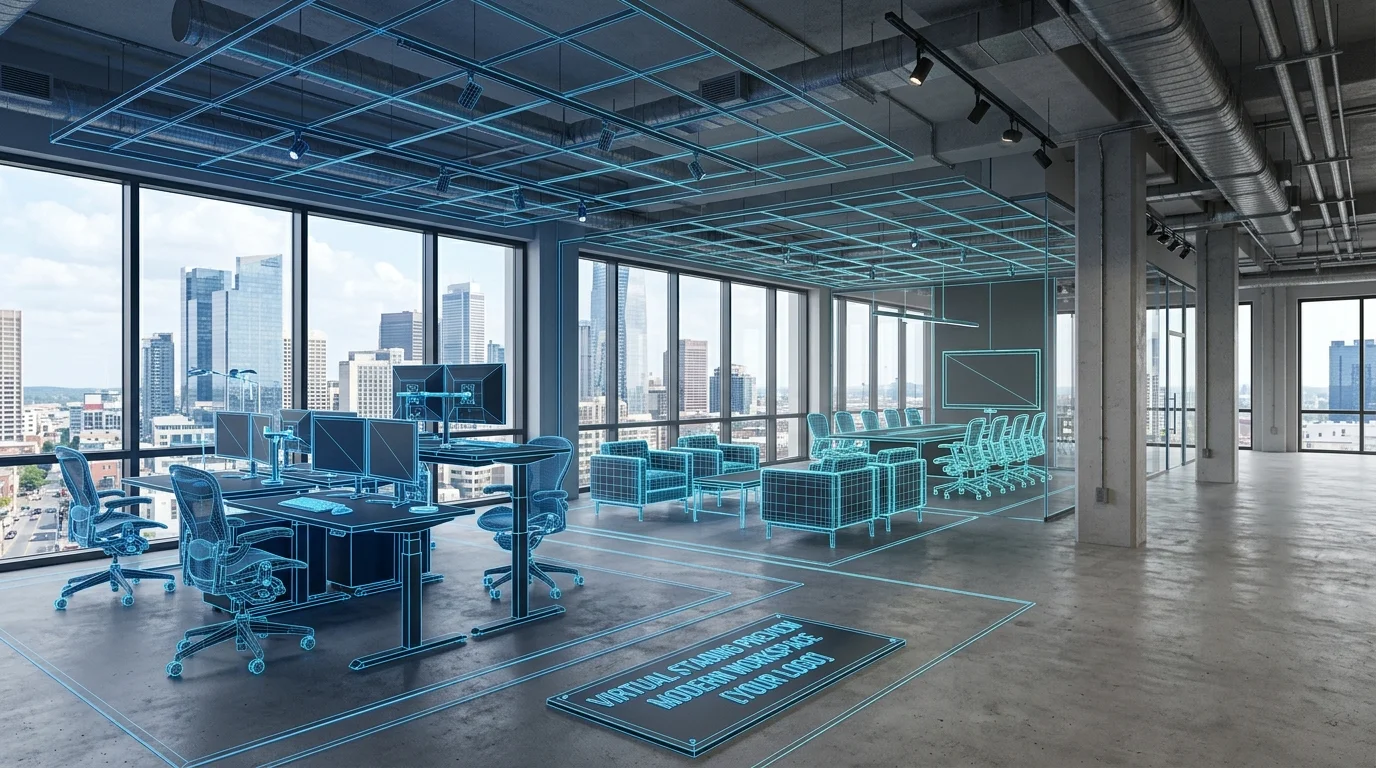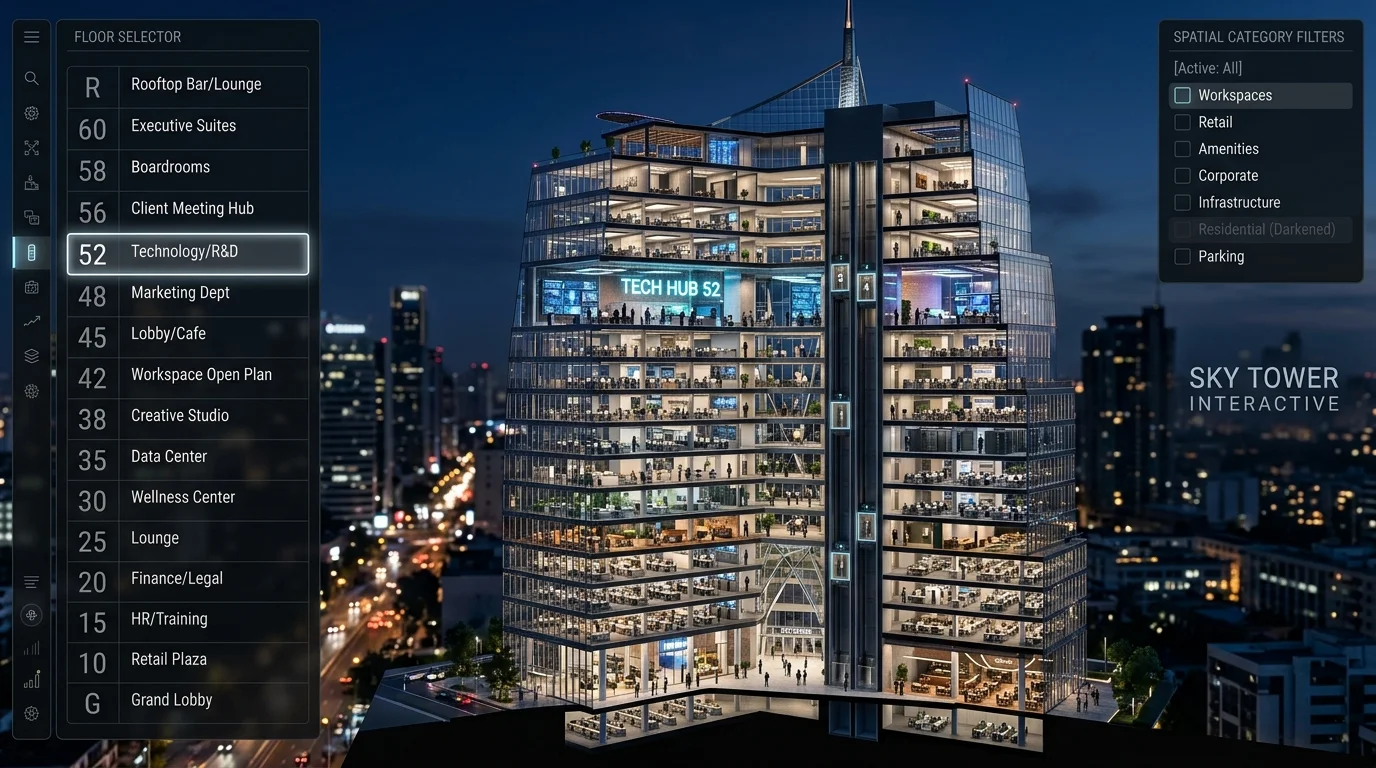
Navigating multi-story corporate towers, shopping malls, or hospital campuses inside a 3D digital twin can become overwhelming without structured spatial filtering. By deploying Multi-Story 3D Navigation interfaces, users filter floors, search rooms by category, and jump between levels effortlessly in a unified viewport.
Intuitive Floor Selectors & Category Filters
Our custom 3D navigation overlays add sleek sidebars featuring floor selector buttons, interactive 3D dollhouse level isolations, and spatial search bars. Visitors can filter viewports to display only specific room types (e.g. executive suites, conference rooms, mechanical plant rooms, or retail outlets).
Key Benefits of Custom 3D Navigation Overlays
- Instant Level Jumping: Switch between Floor 1 and Floor 40 in under 300 milliseconds without losing camera orientation.
- Spatial Keyword Search: Search by room number, tenant name, or asset ID to auto-fly directly to the target location.
- Multi-Building Campus Support: Connect multiple separate 3D scans into a unified master masterplan map.
- Custom Dark/Light Themes: Brand the viewport UI to match your corporate identity guidelines.
Enterprise Solutions with Digital Strada
Learn more about our White-Label Enterprise UI Systems or consult with our Digital Strada engineering team.
Ready to Digitize Your Space or Get an As-Built Quote?
Calculate instant 3D LiDAR scan costs, Scan-to-BIM modeling estimates, and software integration pricing in under 30 seconds.